Post Processing
Multiple Meshing Strategies
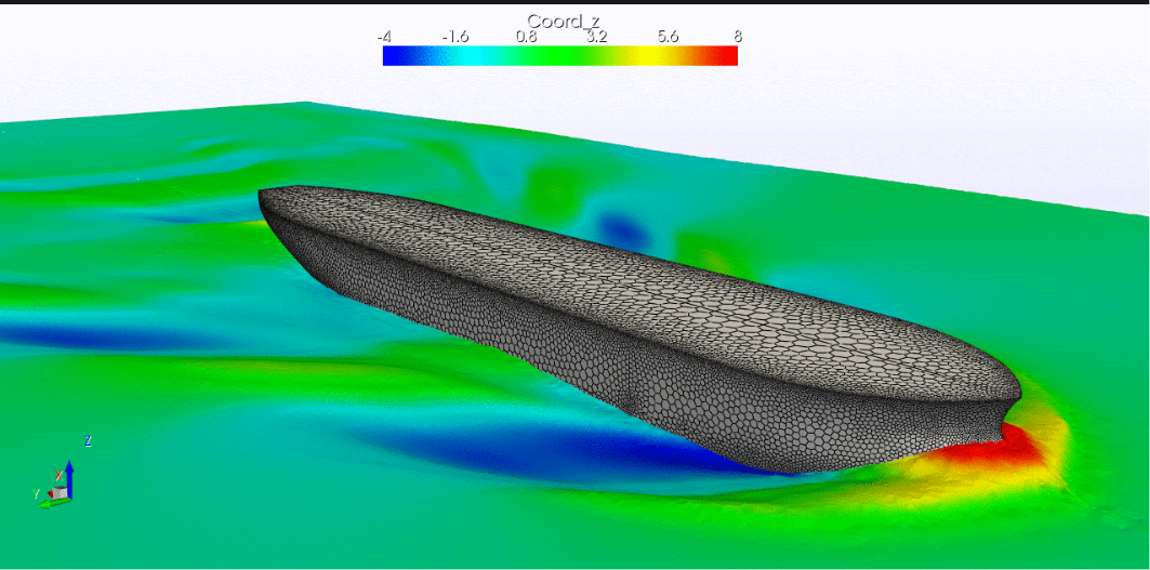
Ennova has a complete post-processing tool built on top of industry standard VTK. Ennova can generate the following and many more:
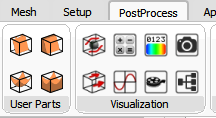
The post processing functions are available under the PostProcess tab. There are two panels here: "User Parts" and "Visualization"
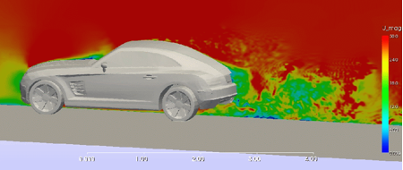
A slice plot is a slice through the computational domain colored by a field variable
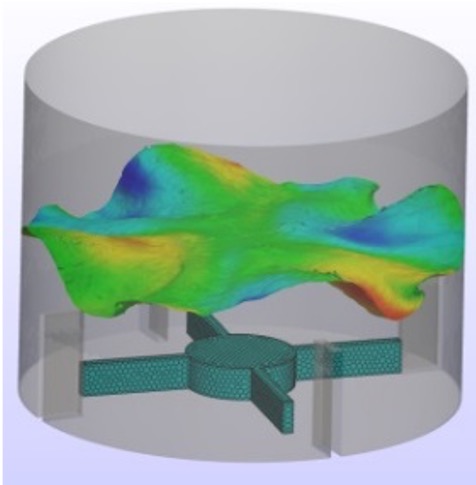
An iso surface is the generally non-planar surface where a field variable atains a specified value, color by another field variable
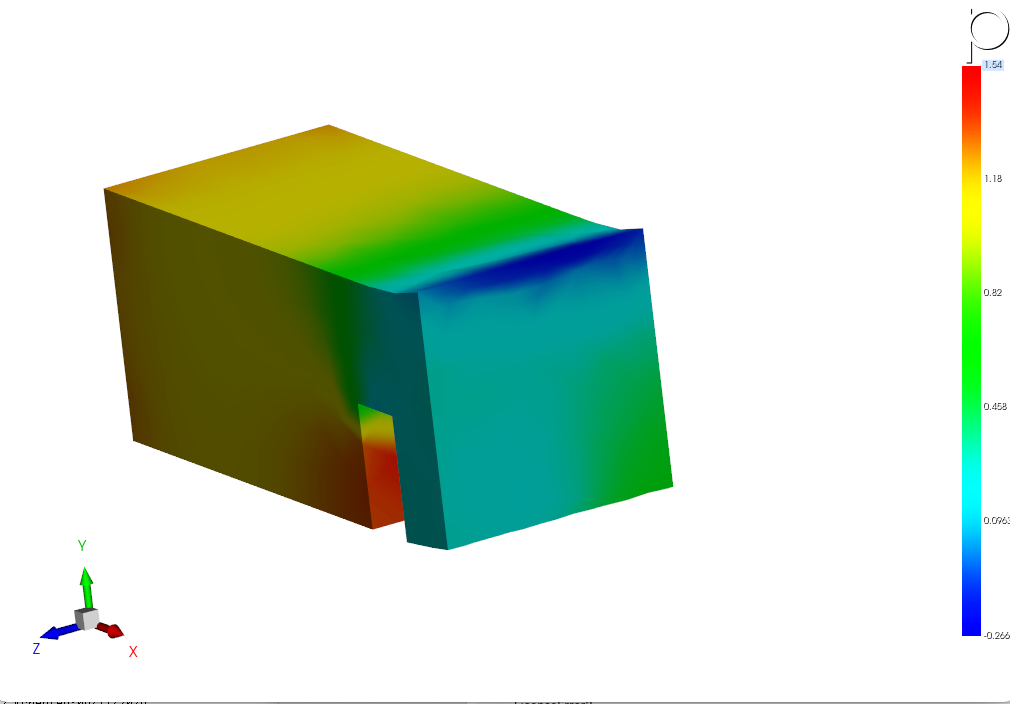
A Clip plot is like an iso plot but it also includes the domain boundaries where the field variable is above or below the specified value
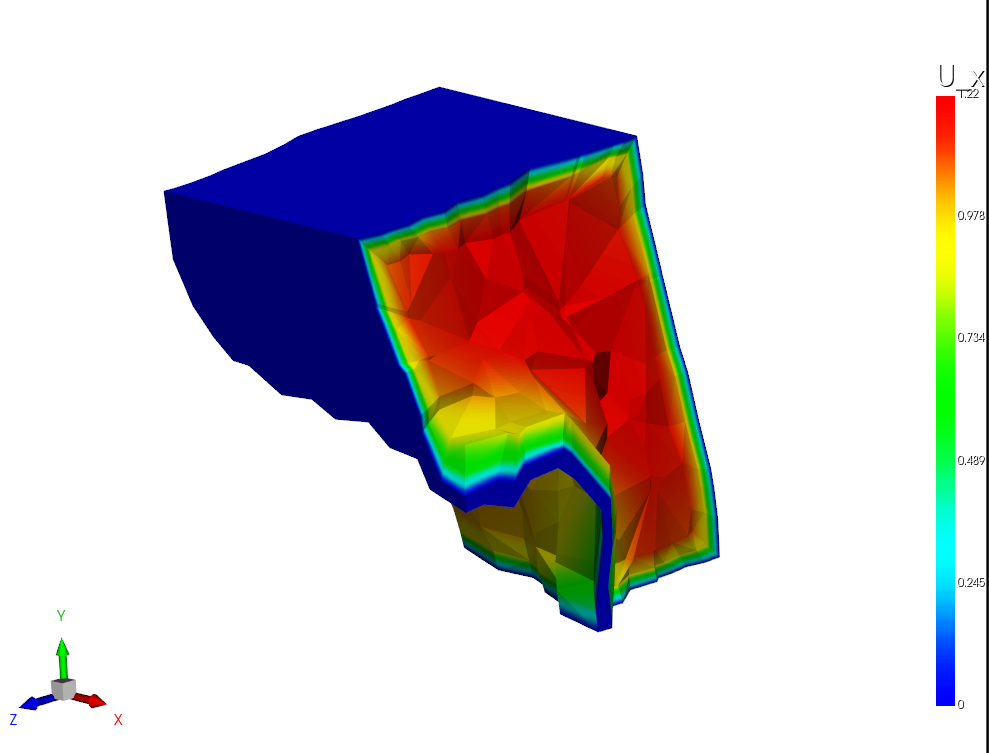
A Threshold plot is like a clip plot, but includes the values between two specified values
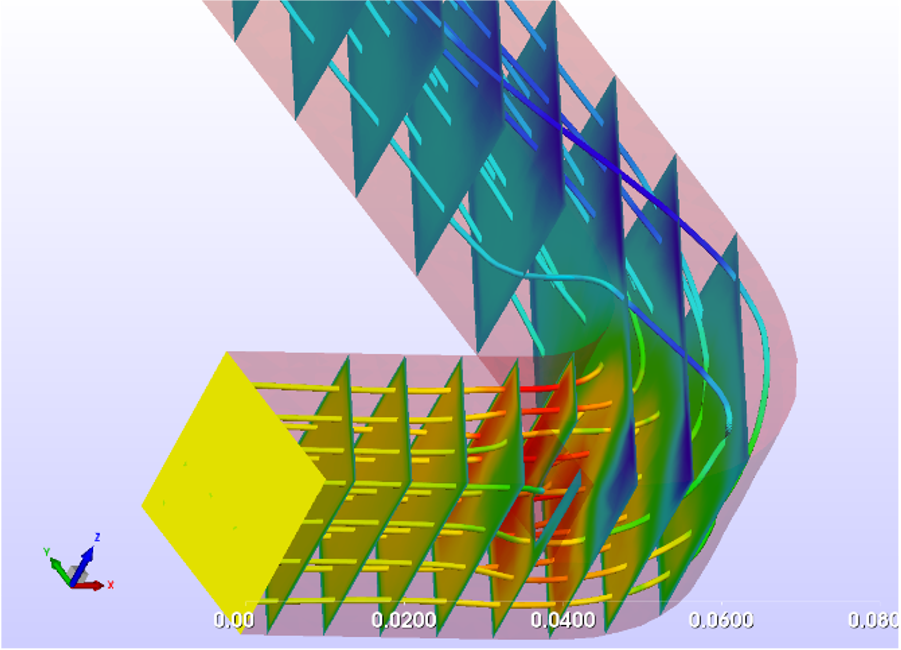
text about Streamlines
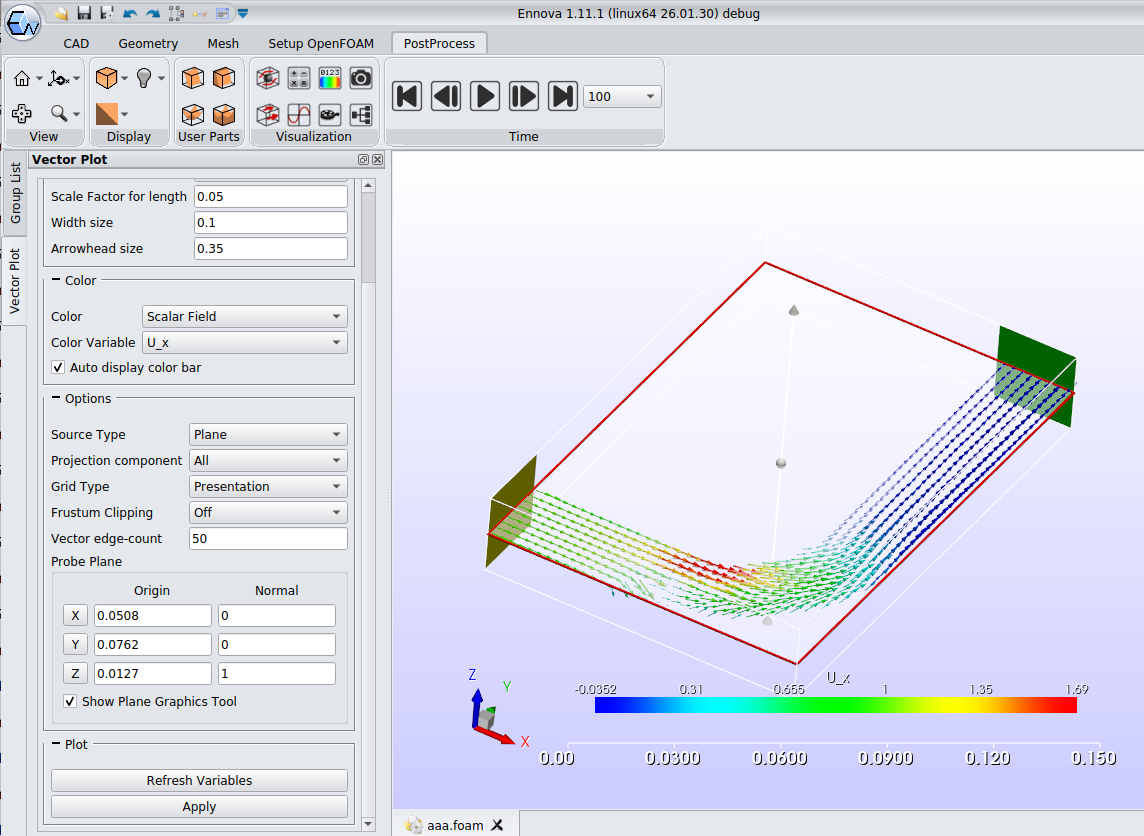
text about slice plot
text about slice plot
text about slice plot